01
Response
Lead Follow-Up
A new inquiry gets an owner and a first reply without waiting for someone to check the inbox.
Zoho CRM Automation Services
Techrish sets up Zoho CRM so new leads get an owner and a reply, records update themselves, and follow-ups don’t depend on someone remembering. We work with teams in the US, Canada and the Gulf.
What it is
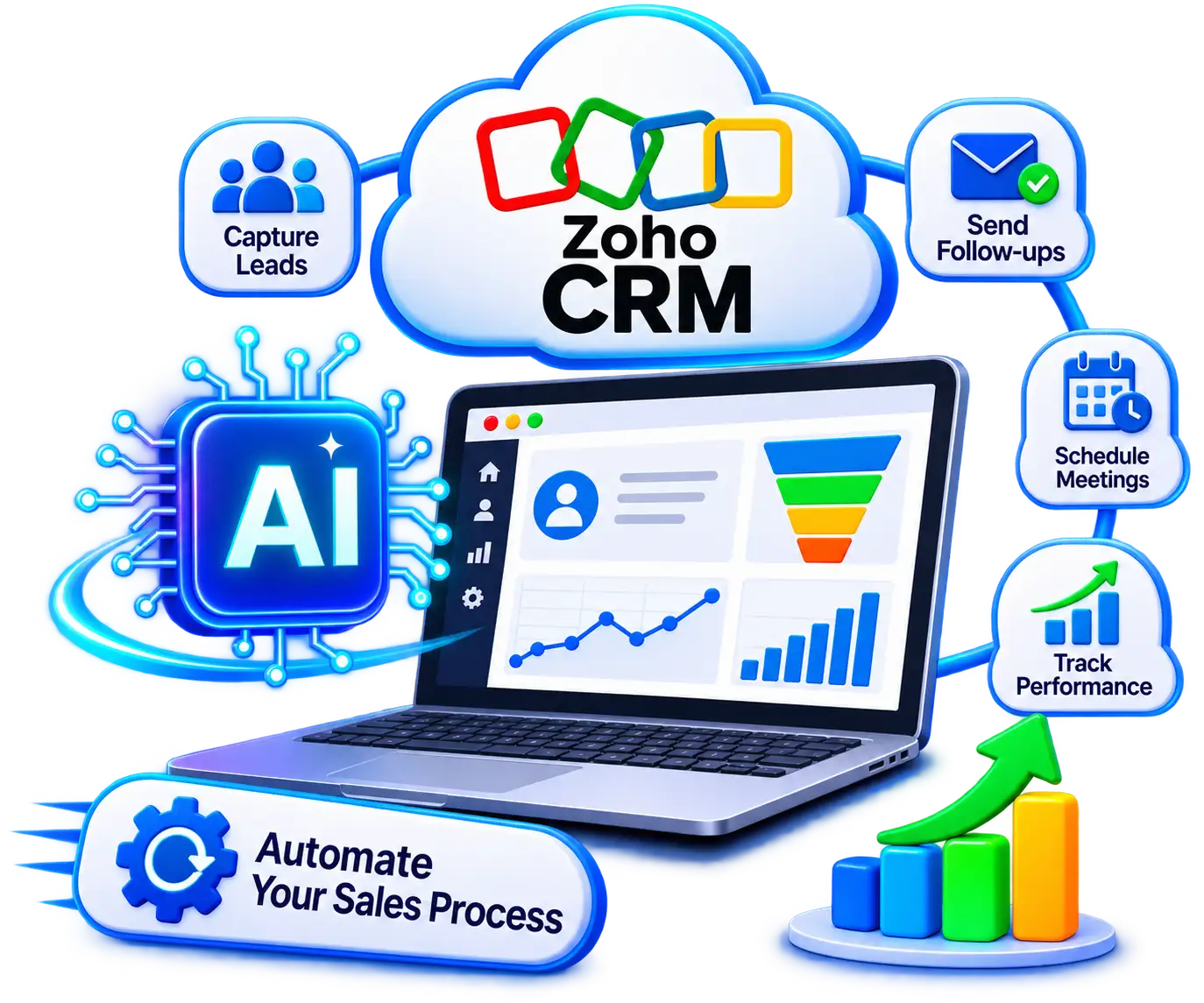
Zoho CRM AI automation means using Zoho’s workflow rules and Zia AI features, plus custom integrations where needed, to handle repetitive CRM work such as assigning leads, sending follow-ups, updating records and flagging the best opportunities. Which features you can use depends on your Zoho edition, data center and language, and on how much data your account has.
What you can automate
Zoho CRM workflow automation takes over the repetitive steps, so your team spends its time on the conversations that need a person.
Response
A new inquiry gets an owner and a first reply without waiting for someone to check the inbox.
Records
Details from web forms, emails and connected systems reach the right record without retyping.
Prioritizing
Zia gives each lead and deal a score from 0 to 100 for how likely it is to convert. The score is saved as a field on the record, so it can drive routing and follow-up rules. For example, high-scoring leads go straight to a senior representative.
Consistency
Stage changes, handoffs and follow-ups run on the same rules, whoever owns the deal.
Built-in AI
Zoho CRM already includes a lot. Our work starts where the built-in features stop and your own process begins.
01
Zoho CRM already scores and predicts. Zia gives each lead and deal a score for how likely it is to convert. We connect that score to your routing, follow-up and alert rules, so the result is an action and not just a number on the record.
02
Zoho also offers Zia Agents and Agent Studio, although availability varies by region and edition. We check what is live for your account first. Then we configure or build Zoho CRM AI agents around your own process.
03
Zoho CRM provides APIs and developer tools for connecting other software. We use them to link Zoho CRM with your website, email and other systems, within what those systems allow. This is part of our system integration and data migration work.
04
Zoho’s built-in data import handles the transfer itself. Before anything moves, we clean, de-duplicate, map and validate the data from your other CRMs and spreadsheets, so the problems don’t carry over.
Before we start
Automation follows your data, so we look at four things first.
01
Duplicate contacts, inconsistent picklists and missing required fields break routing and reporting.
02
Automated actions should respect user roles and data access. Quotes and sensitive records keep a human approval step.
03
Some Zia features, agent capabilities and automation limits depend on your Zoho CRM edition, data center and language.
04
Business hours, regional routing and how customers are contacted differ between the US, Canada and the Gulf.
How it works
Four steps from your current setup to rules your team trusts.
We review your existing CRM fields, duplicates, lead sources and sales stages, so automation builds on clean records rather than messy habits.
We define who owns which lead, when follow-ups trigger, and where a human must approve quotes, exceptions or sensitive updates.
We put the workflow rules, Zia scoring or agents (where your plan supports them) and tool connections in place. Then we test the unusual cases first, so your team isn’t left fixing surprises live.
Once live, we help your team adjust rules and follow-up steps based on how deals actually move in practice.
FAQ
Straightforward answers about Zoho’s built-in AI, connecting other systems and what to prepare before you automate.
It combines CRM workflow rules with Zoho’s AI features to handle lead management, follow-ups, record updates and sales prioritization. Available features depend on your edition, data center and configuration.
Yes. Zia can score leads and deals, and Zoho offers Zia Agents and Agent Studio, though availability depends on edition and region. Custom work helps when you need agents or workflows built around your own process, or links to systems outside Zoho.
Yes. Zoho CRM provides APIs and developer tools. The approach depends on the systems involved, their APIs, authentication and the data to be exchanged.
Yes. Duplicate records and inconsistent picklists send leads to the wrong salesperson. Zia scoring also needs a minimum amount of data before it can calculate scores.
Yes. Techrish has a US headquarters in Port Reading, New Jersey, and a Canadian office in Edmonton, Alberta. We support businesses across the US, Canada and the Gulf.


Zoho CRM AI Automation
Share how your team currently captures leads and manages follow-ups in Zoho CRM. We will map out practical automation steps tailored to your goals across the US, Canada or the Gulf.